

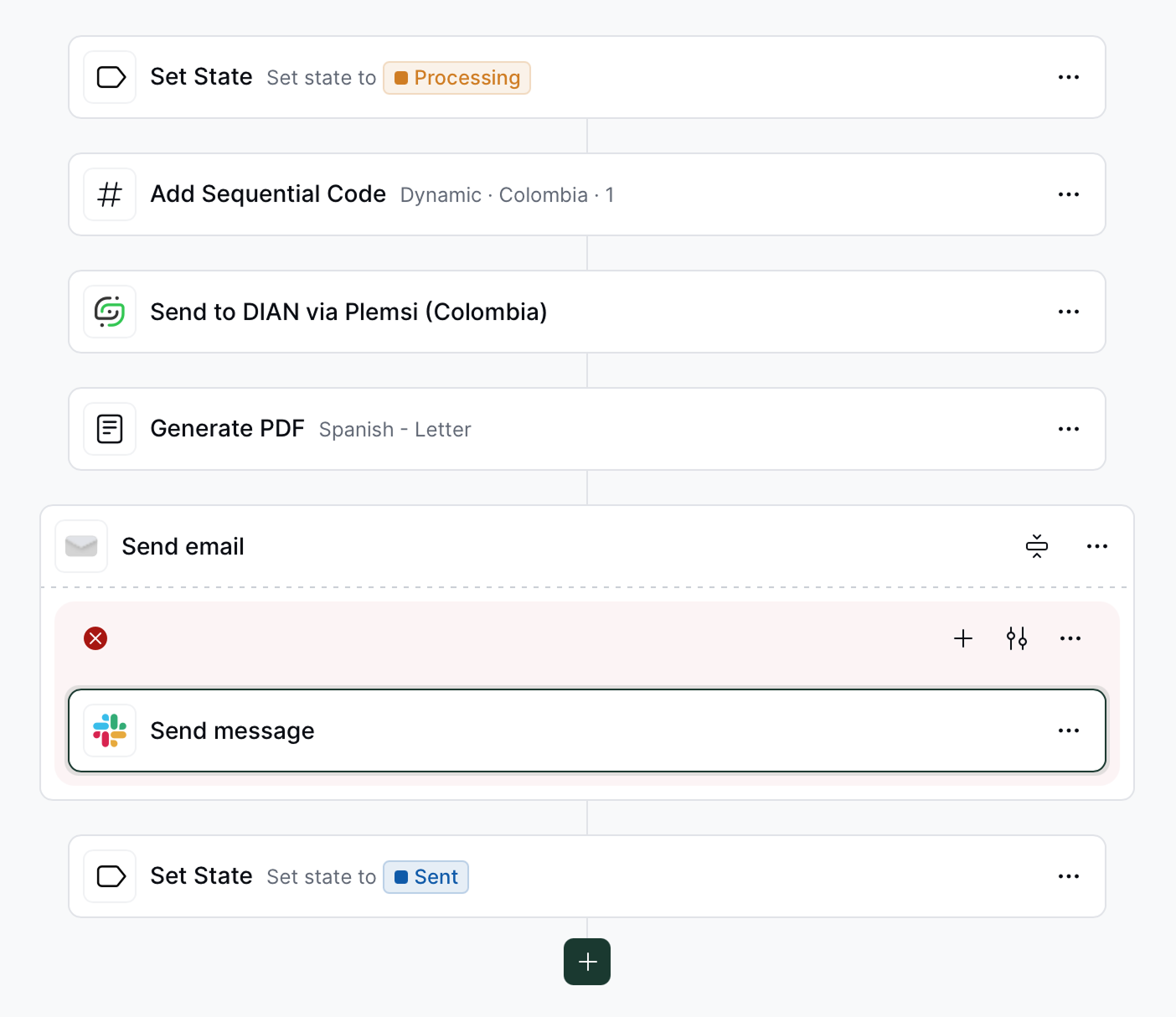
Example workflow with Slack
#random a message like Job fe094ad0-3e12-11ef-bfd5-15fe9005edf3 failed! when the PDF generation fails.
Prerequisites
You require Slack account with full membership or an admin role within a workspace.How to use
1
Configure the Slack App
To configure the Slack app in your workspace, follow these steps:
- Navigate to Configuration → Apps.
- Find the Slack App and click
Connect. - Click
Configureand thenAdd Slack Channel. - In the newly opened window, select the channel where you want to send messages.
2
Add the Slack step to your workflows
To use the Slack step in your workflows, follow these steps:
- Navigate to the Workflows section and select the workflow you want to modify.
- Add the Slack step to your workflow.
- Select the Slack channel where you want to send messages.
- Customize the message content as needed.