

Introduction
The Spanish Tax Agency (AEAT) requires that companies formally authorize Invopop to issue invoices on their behalf. To comply with this regulation, the supplier’s legal representative must sign an agreement granting Invopop the necessary consent to generate and manage invoices in their name. This signed authorization ensures that all invoicing activities carried out by Invopop are legally valid and recognized by the AEAT. For this process, the supplier can sign the agreement PDF with a valid digital certificate, such as one issued by the FNMT, or a handwritten signature with a company stamp (sello de empresa), in which case the user must provide a valid ID such as DNI, NIE or passport.Set-up
Connect the VERI*FACTU app
- Go to Configuration → Apps in the Console.
- Find VERI*FACTU Spain in the app list.
- Click Connect to activate the app.
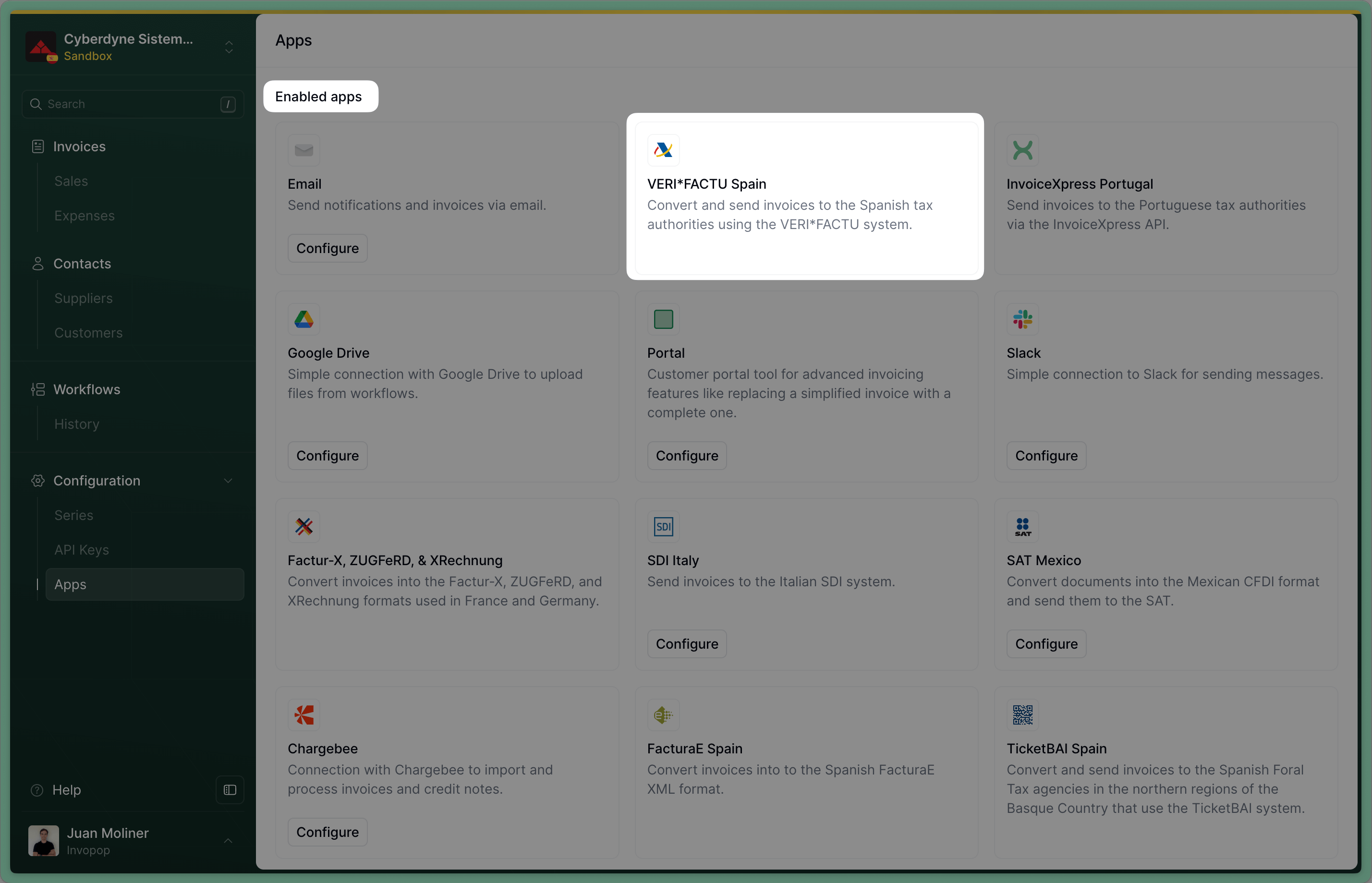
Connect the VERI*FACTU app
Create a supplier registration workflow
- Template
- Code
- Build from scratch
VERI*FACTU supplier registration workflow
How VERI*FACTU supplier registration works
The process is best explained looking at the workflow steps: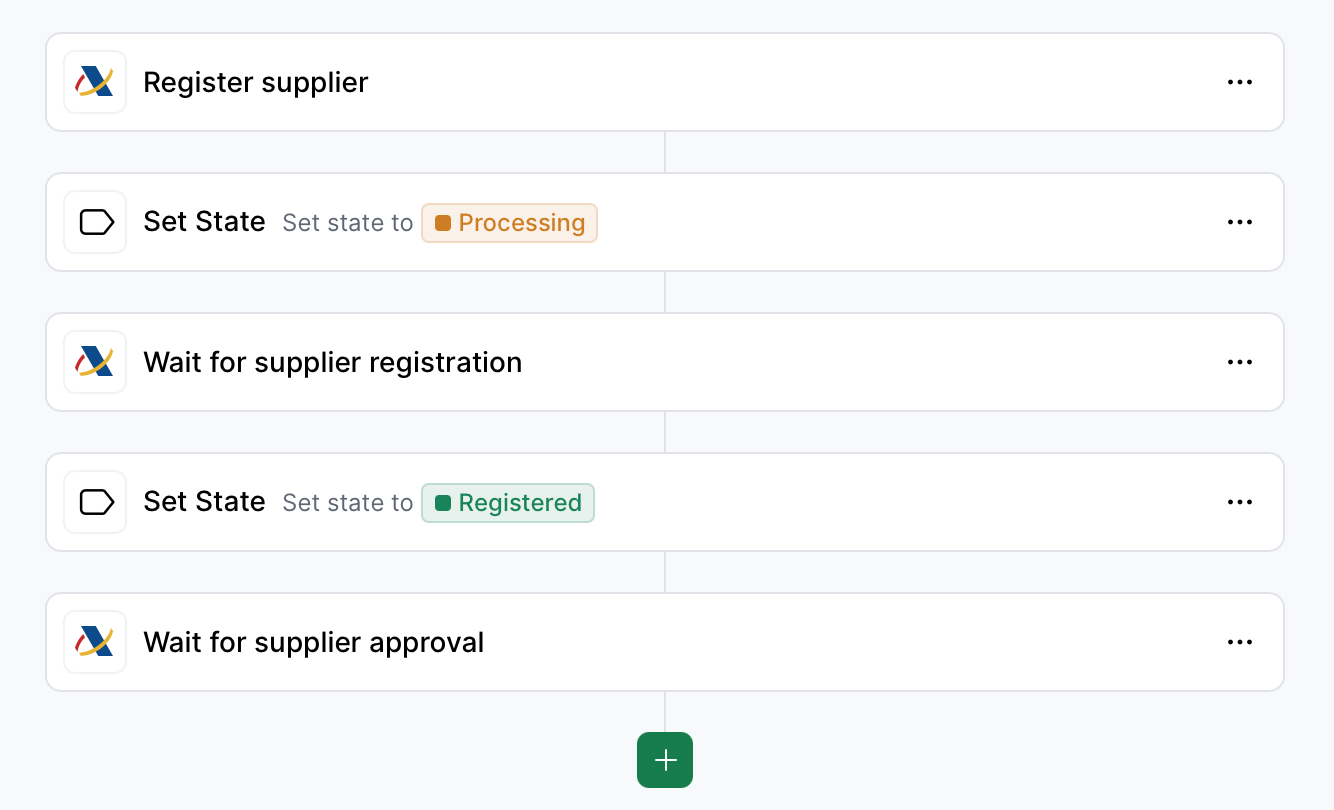
Supplier Registration Workflow
- Register supplier will generate a unique URL and add it into a
urlkey value within themetaproperty. You would add a webhook after this step to notify the supplier. - Set State to Processing labels the silo entry so you know it’s in process of registration.
- Wait for supplier registration waits for the supplier to upload the required documents (signed agreement and ID). The supplier will be entitled to issue invoices through VERI*FACTU immediately after the documents are uploaded.
- Set State to Registered labels the silo entry so you know registration is complete.
- Wait for supplier approval In live environments, Invopop will review the documents provided by the supplier in less than 72 hours. In sandbox, you can configure the workflow step to accept or reject providers. Open rejection the workflow will error with a
KOand the reason for rejection can be reviewed in the Supplier or in the executed job. The supplier’s invoice issuing entitlement will be revoked immediately.
Register a Supplier
Suppliers need to provide the following documents for Invopop to issue invoices on their behalf:- A signed direct representation agreement. If the supplier is a self-employed individual (autónomo), stamping is unnecessary.
- A copy of signatory’s fiscal ID (DNI/NIE or passport in the case of non-residents) if the agreement is not e-signed with a valid certificate.
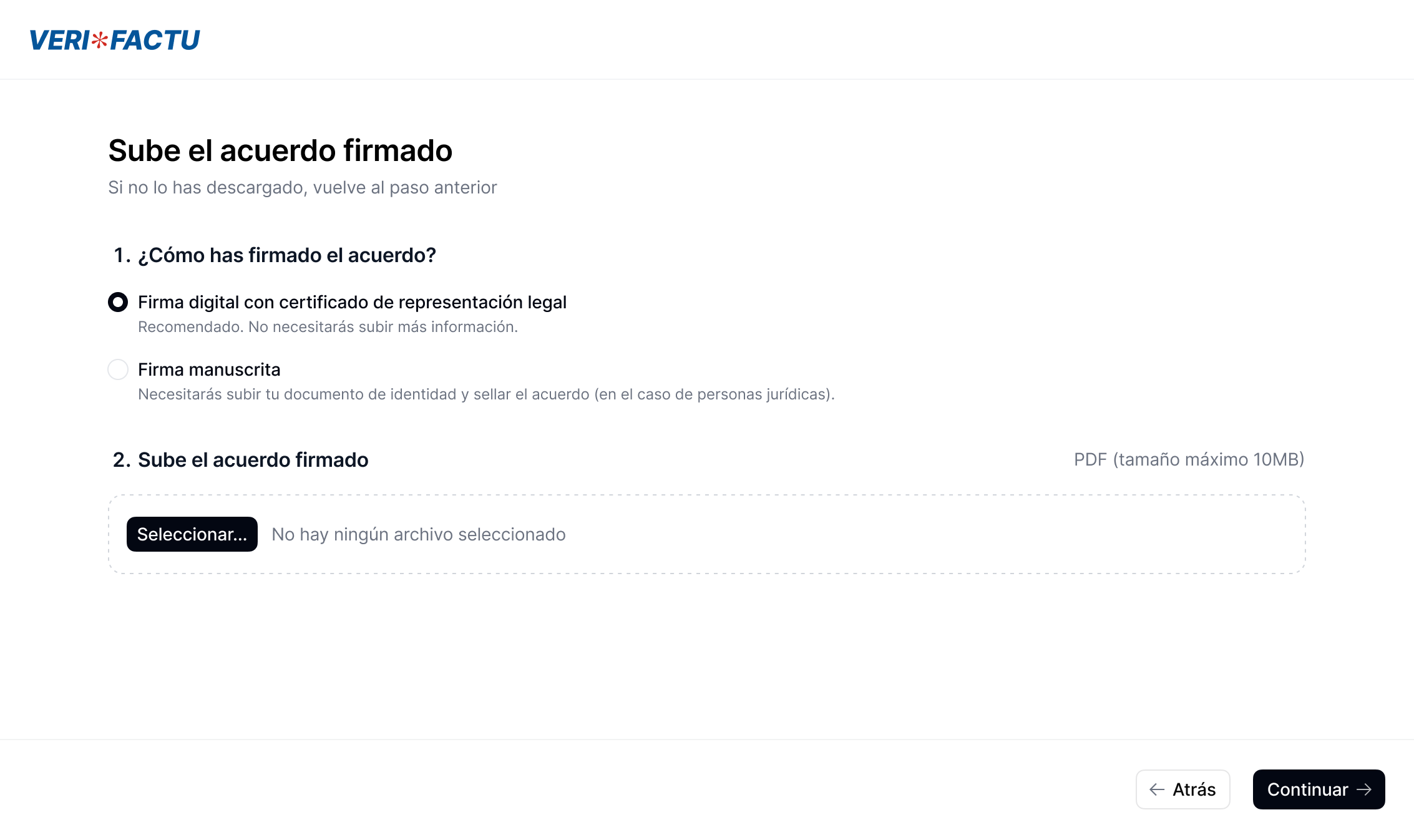
Supplier registration wizard
Onboard suppliers through the API
Upload supplier
/silo/v1/entries/{id}Besides the supplier’s basic information, the entry should contain a
people object containing a person who will act as the legal representative of the supplier.Create a job with the supplier registration workflow
https://api.invopop.com/transform/v1/jobs/{id}The same workflow is used for API onboarding
Generate the agreement PDF
apps/verifactu/v1/entry/:silo_entry_id/agreementThe agreement file will be created with the supplier’s data.
Upload documents
apps/verifactu/v1/entry/:silo_entry_id/agreementUpload the agreement into the supplier’s silo entry.Upload identity images
apps/verifactu/v1/entry/:silo_entry_id/identityUpload the ID into the supplier’s silo entry (can be DNI, NIE or Passport).
Confirm upload
https://api.invopop.com/apps/verifactu/v1/entry/:silo_entry_id/confirmCall this endpoint to confirm that everything has been prepared correctly and the supplier is ready to start operating.
- Upload and register third-parties
- Upload and register your company
Upload a supplier
nametax_idaddressemail
Example supplier
Example supplier
Empty after creating the entry.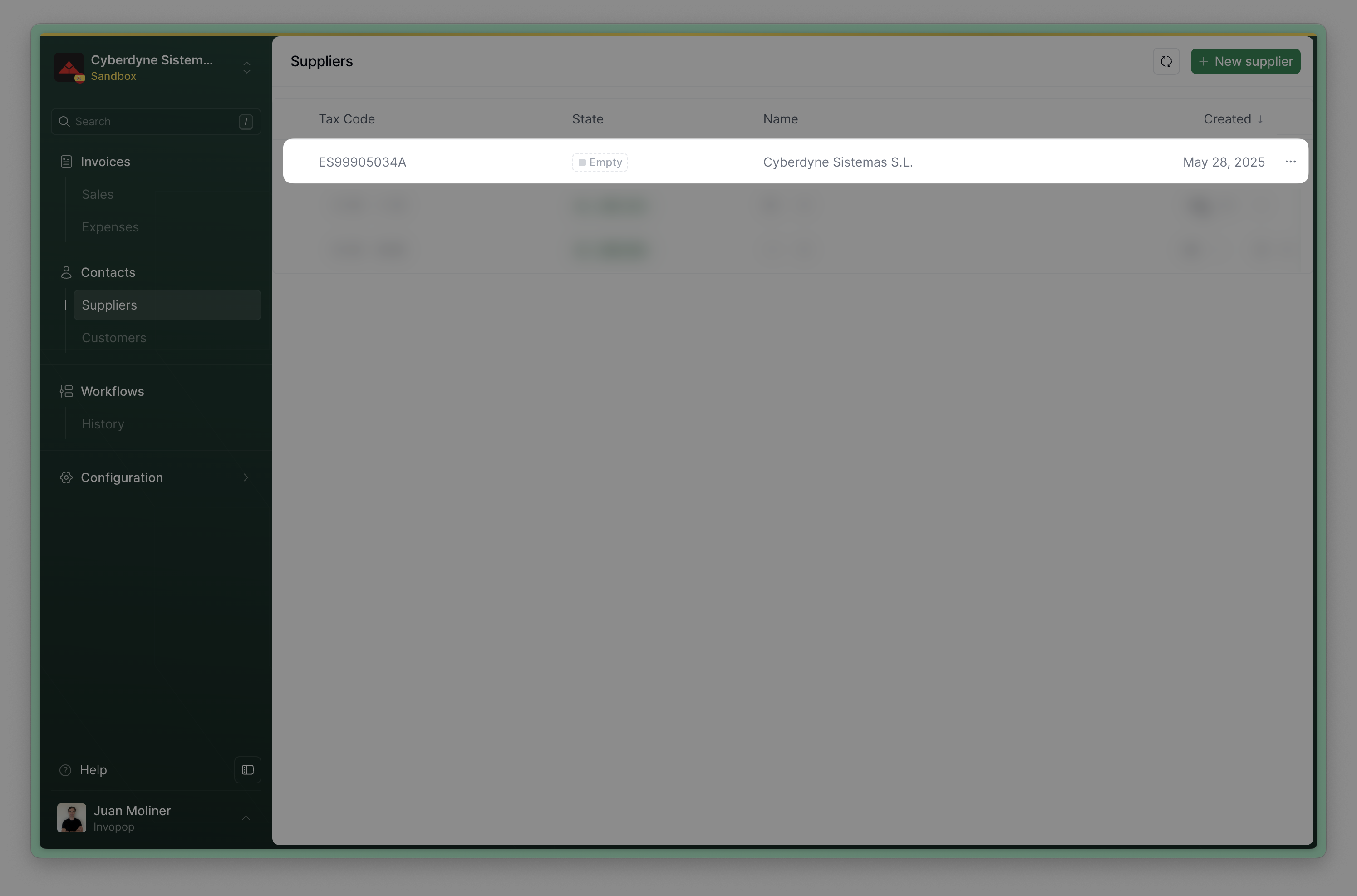
Upload supplier to Invopop
Send the supplier to the registration workflow
- The
Silo Entry IDof the supplier you uploaded on the previous step - The Supplier Registration
Workflow IDfrom the Setup section
The supplier’s status will change to
Processing while waiting for supplier registration and verification. Once these steps are completed successfully, the supplier’s status will change to Registered. If not successful because the supplier did not complete the process or their documentation was rejected, the status will change to Error, and you can inspect the job history of this document to see the reason.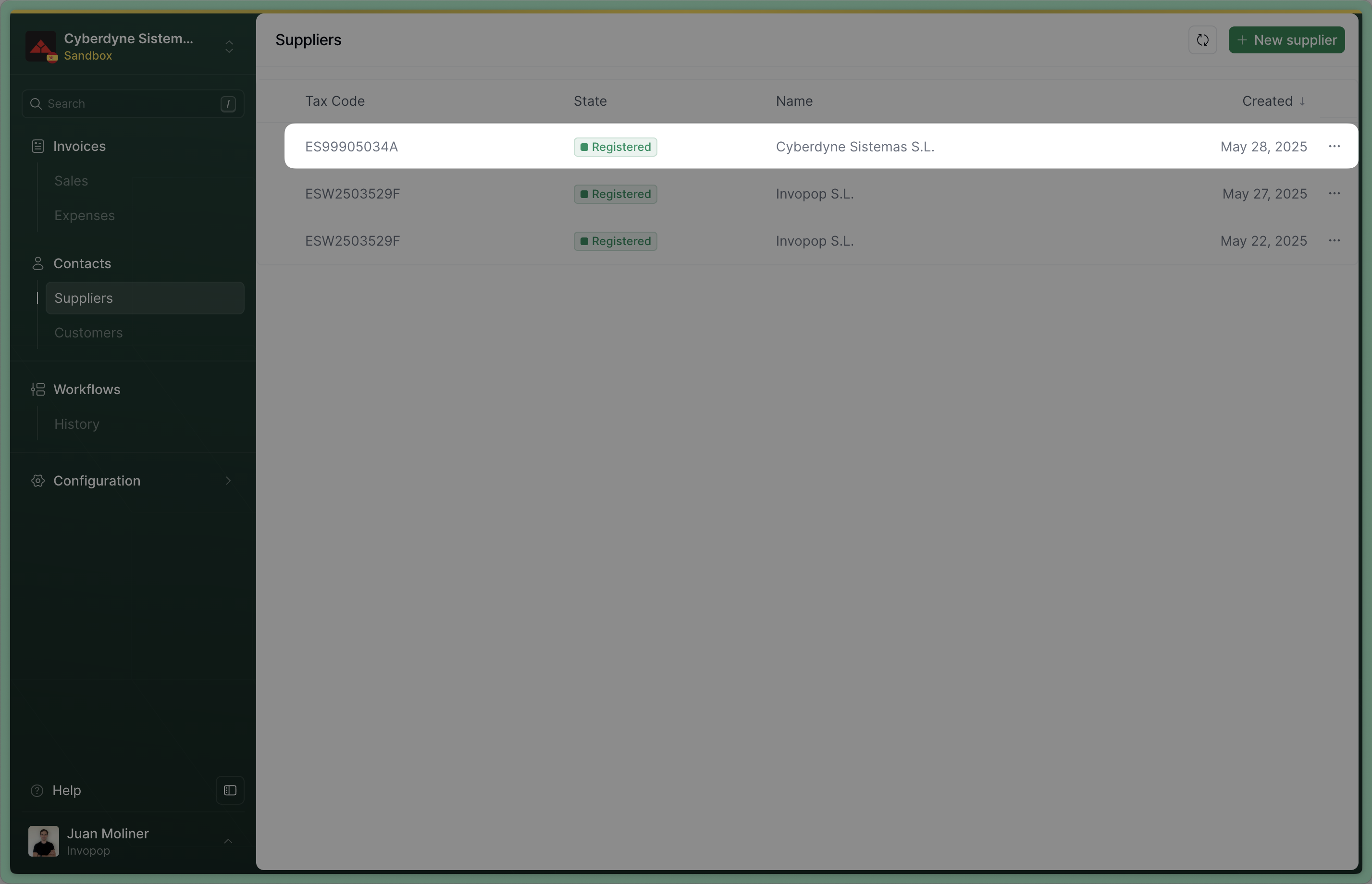
Supplier registered successfully
- Template
- Code
- Build from scratch
VERI*FACTU unregister supplier
FAQ
What happens if a supplier does not complete their registration within the allotted wait time?
What happens if a supplier does not complete their registration within the allotted wait time?
Error state. We currently recommend sending a reminder to the supplier through a webhook.The registration link will not expire and the entity will still be able to upload their registration documents which will be validated. Should you choose to run this workflow again using this supplier, the supplier will be accepted or rejected immediately because the required documentation has already been provided and validated.What happens if a supplier validation is rejected?
What happens if a supplier validation is rejected?
Error state. We currently recommend sending a notification to the supplier through a webhook within the Error Handling section.Afterwards, if you wish to re-register the supplier with new documents, you must:- Unregister the supplier using the Unregister Supplier workflow.
- Re-run the Register supplier workflow.
Continue to override the old one. See the image below for reference: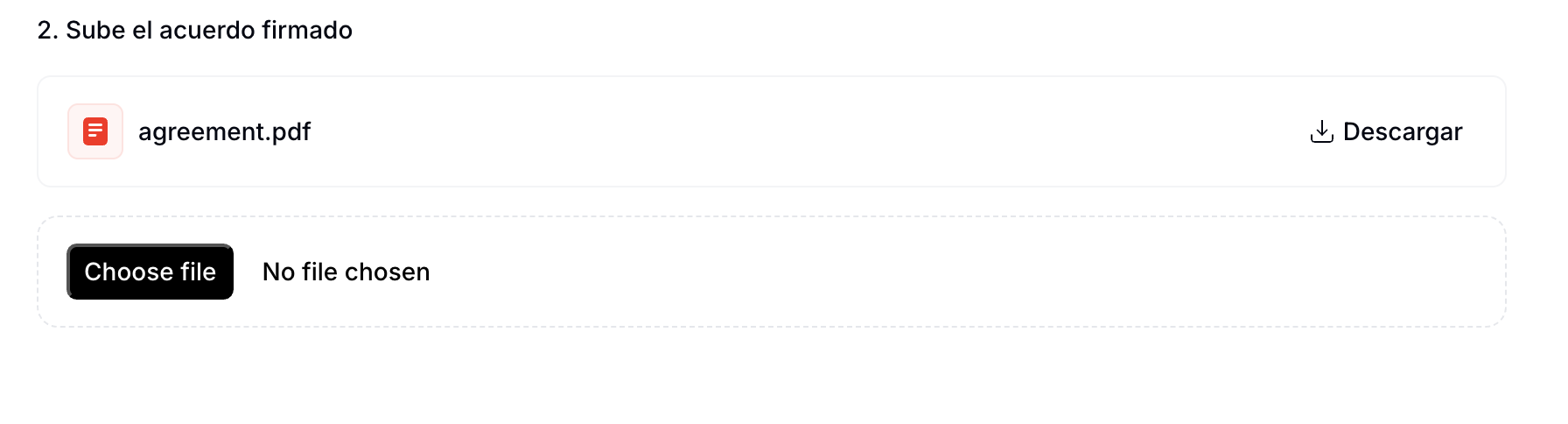
Overriding the previously submitted agreement
What is the minimum information required to register a supplier?
What is the minimum information required to register a supplier?
Company
- Name
- CIF
- Address
Legal representative
- Full name
- Government ID type and number
- Address
What methods are available to sign the PDF supplier agreements?
What methods are available to sign the PDF supplier agreements?
What is the file size limit for the documents provided in the supplier registration flow
What is the file size limit for the documents provided in the supplier registration flow